Lunaya

Themes for Lunaya

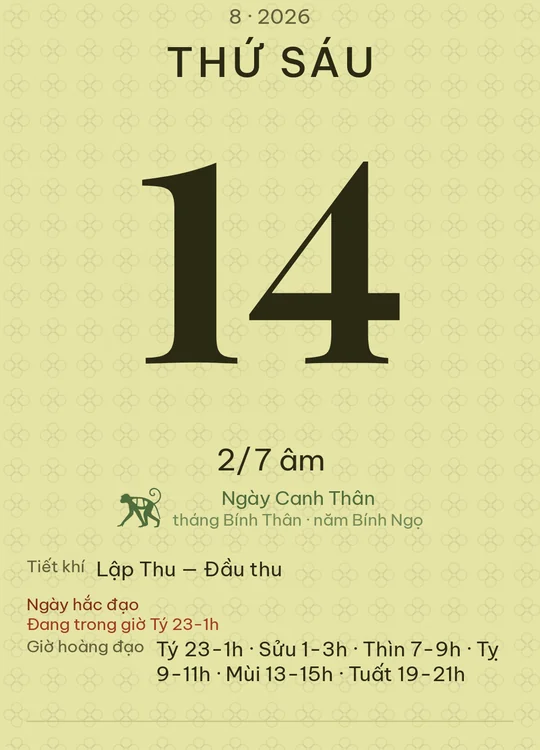
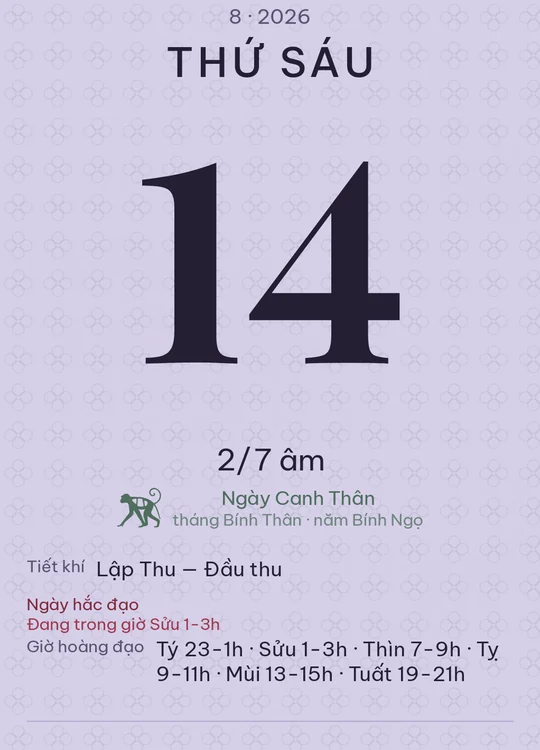
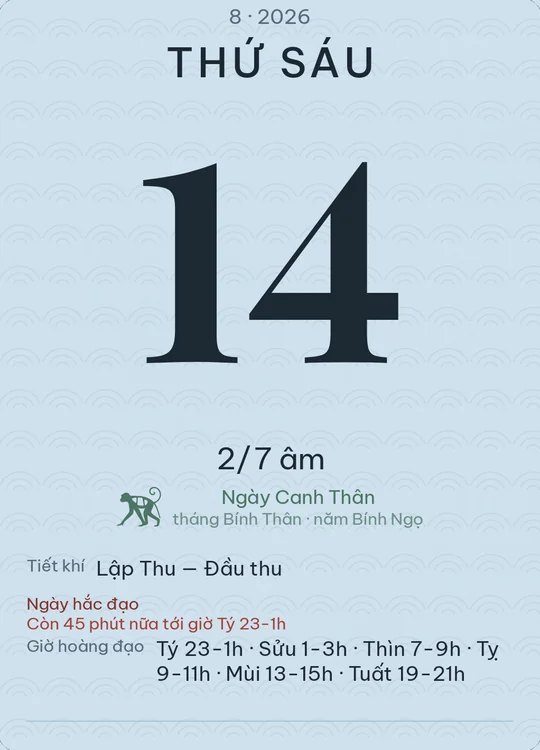
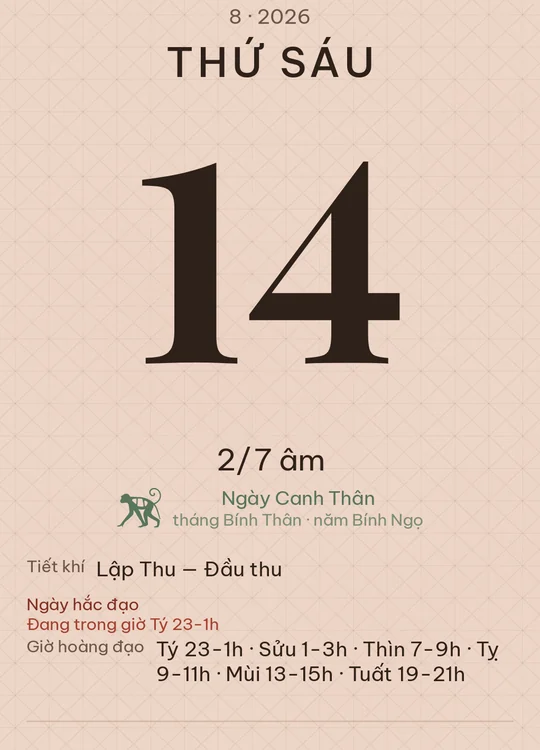
32 looks that don't ship with the app, grouped by theme. Download a file, import it in Settings, and the calendar sheet is redrawn in that palette — paper colour, ink, texture and all.

Paper & ink
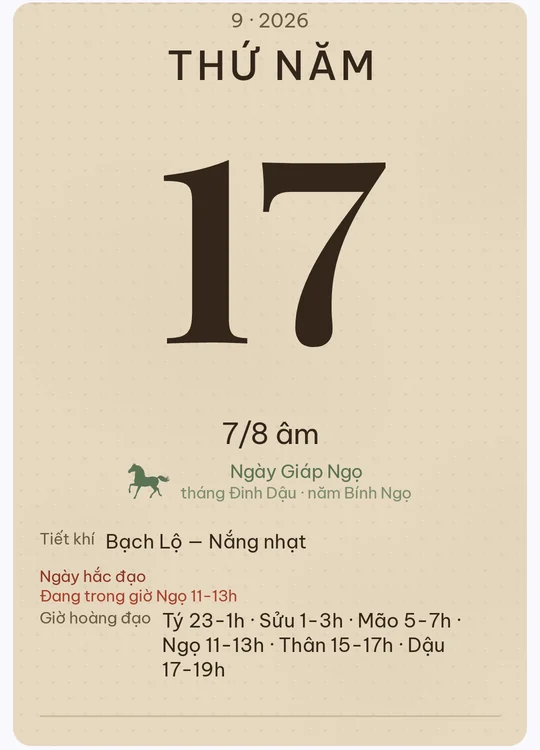
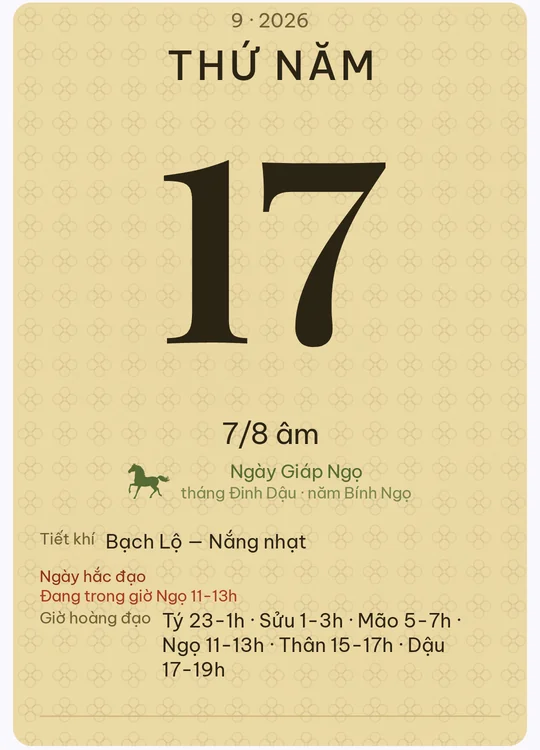
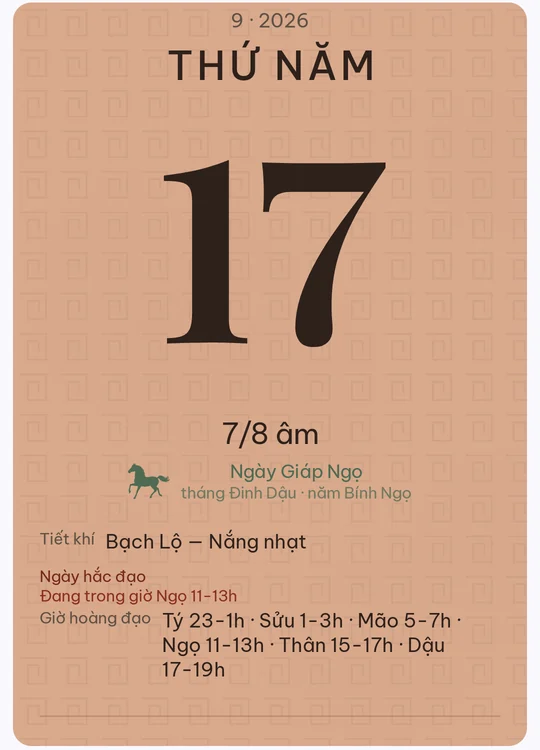
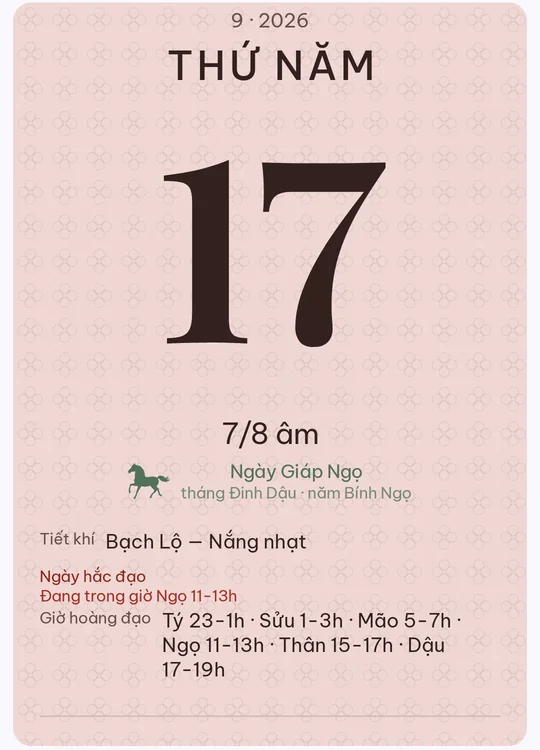
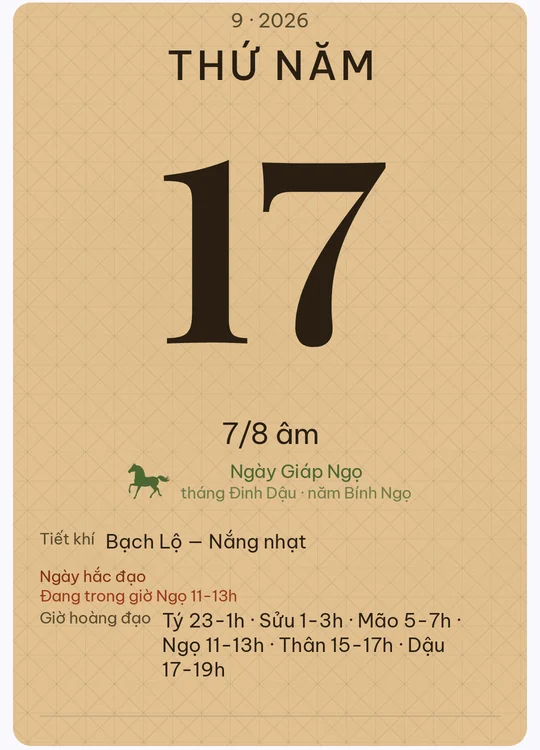
Calendar sheet in the Tea-stained theme

Tea-stained

Paper steeped in tea, dark brown ink. Heavier staining than old paper.

Download · 1 KB Open in app
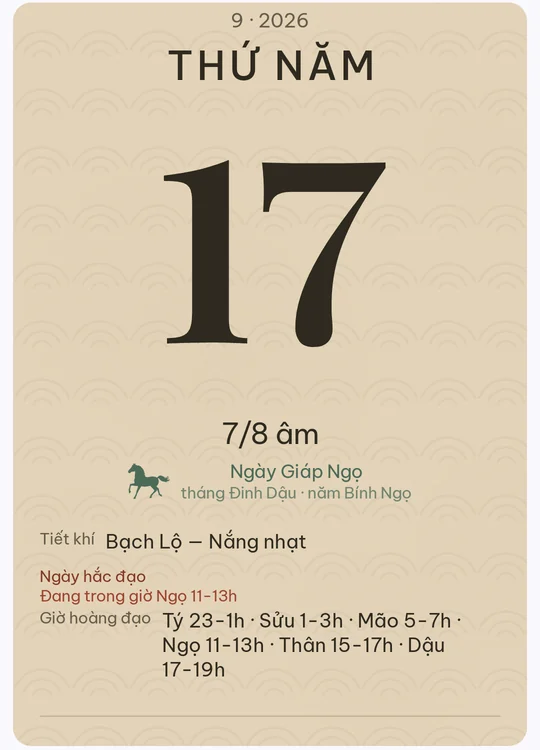
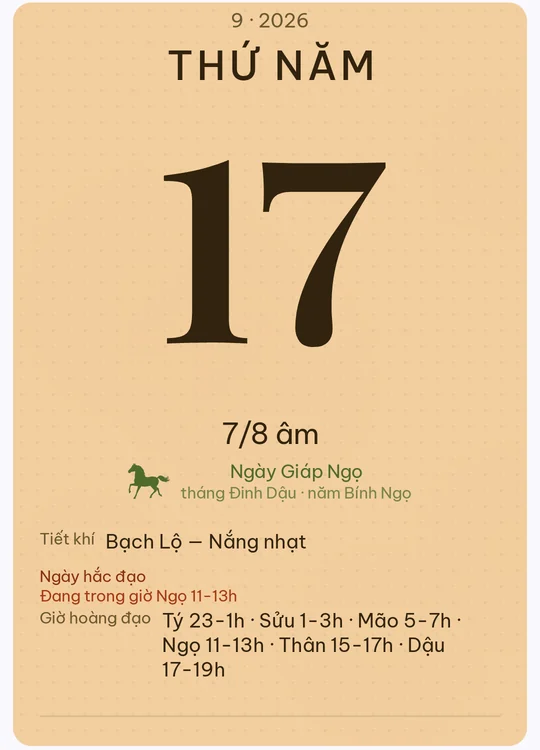
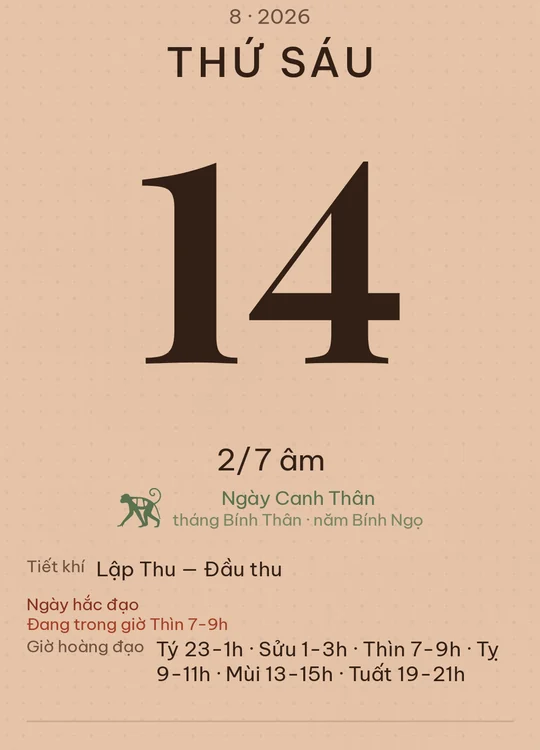
Calendar sheet in the Turmeric theme

Turmeric

Điệp paper washed with yellow ochre, as in Đông Hồ prints.

Download · 1 KB Open in app
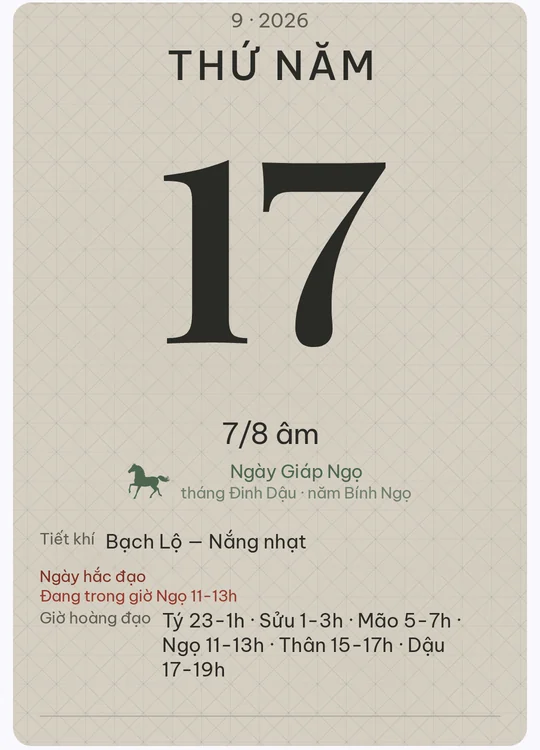
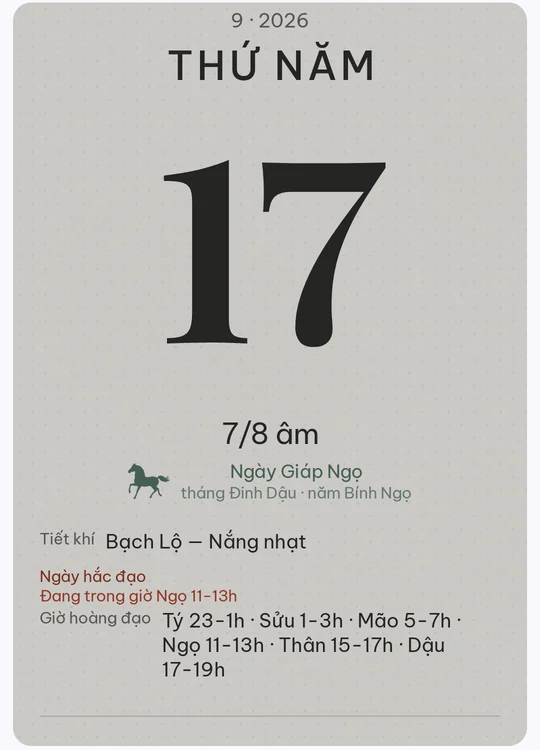
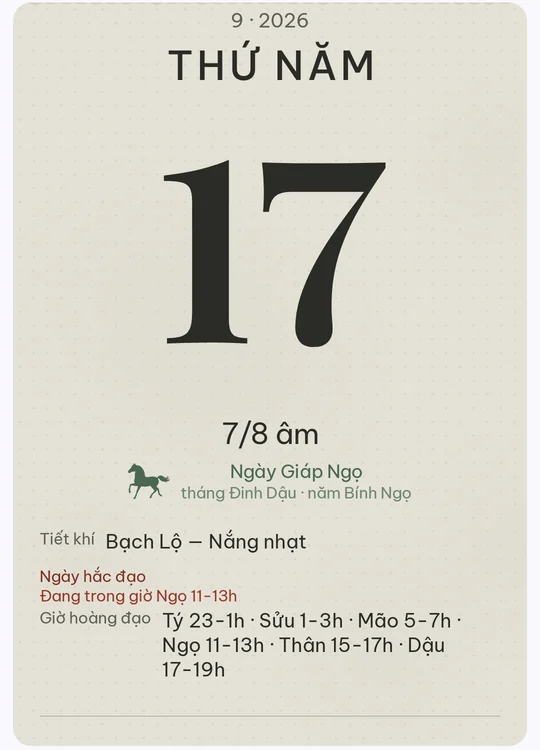
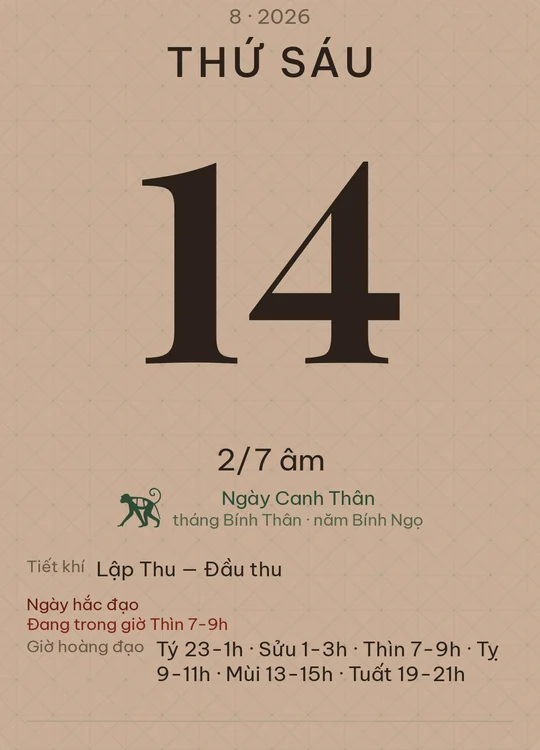
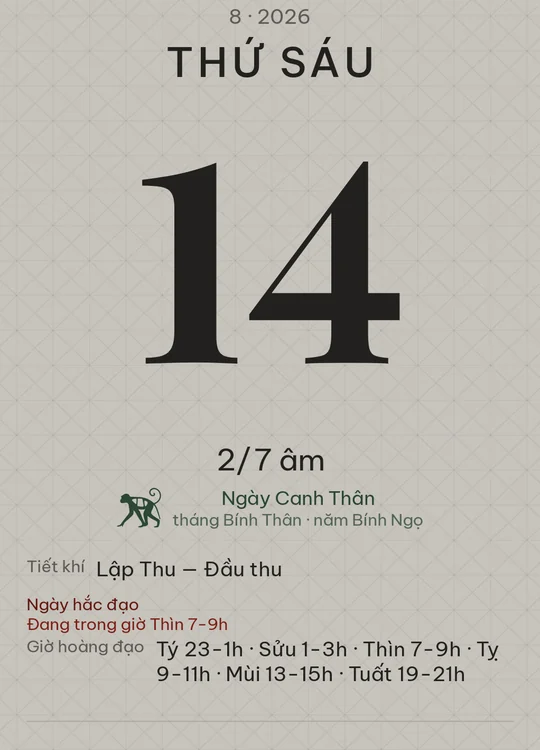
Calendar sheet in the Woodblock theme

Woodblock

Woodblock printing paper, ivory grey. Ink laid thick, grain beneath.

Download · 1 KB Open in app
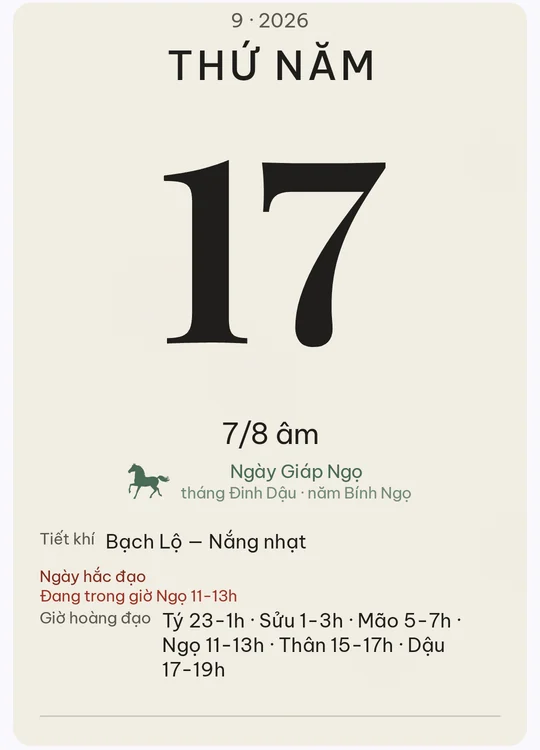
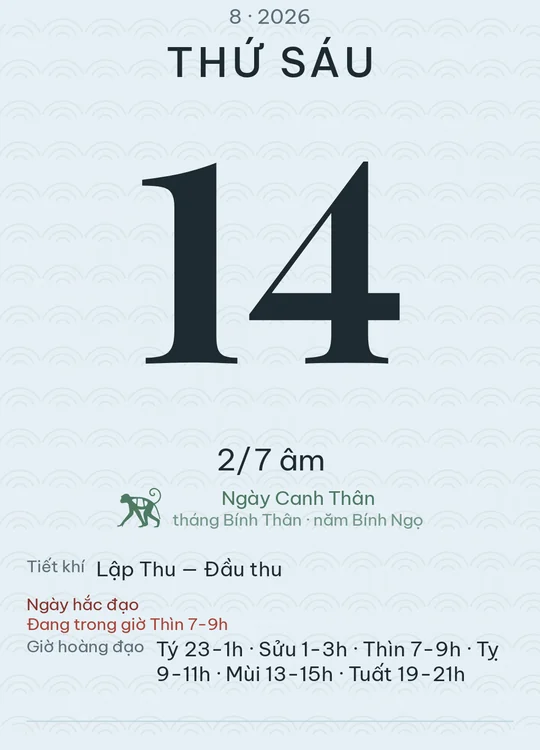
Calendar sheet in the Sumi ink theme

Sumi ink

Ivory paper, near-black ink. Little ornament — the letters speak.

Download · 1 KB Open in app

Nature

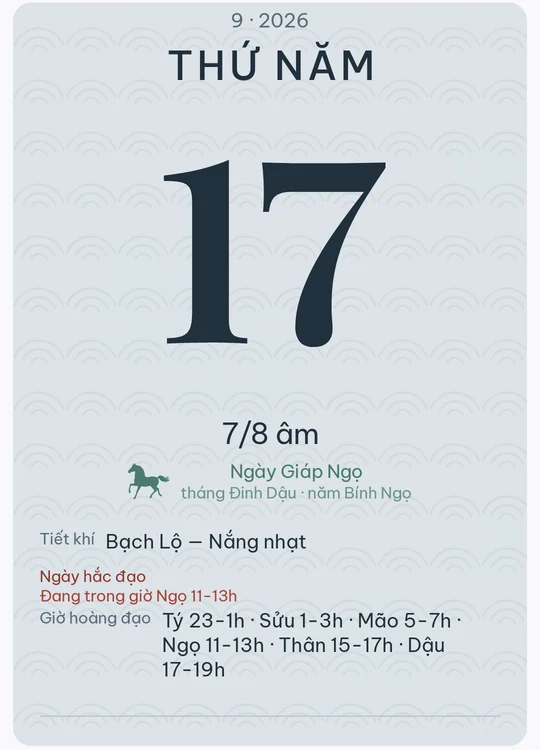
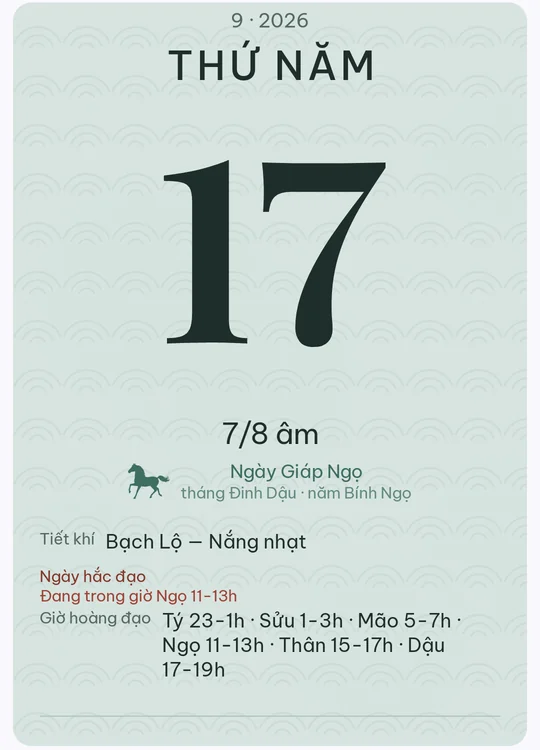
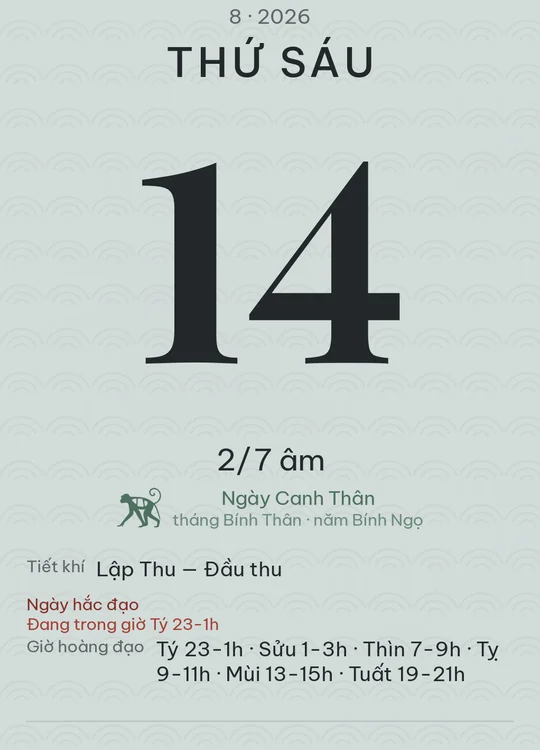
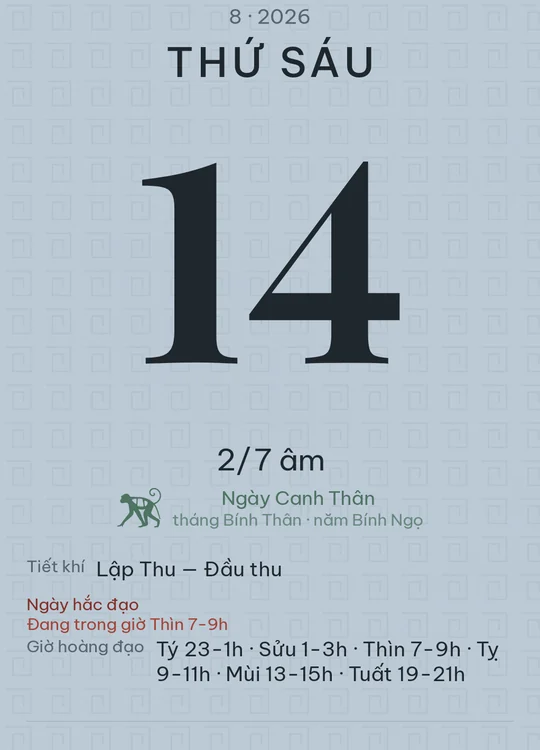
Calendar sheet in the Blue smoke theme

Blue smoke

The blue-grey of river mist at dawn, indigo ink. Faint water pattern.

Download · 1 KB Open in app
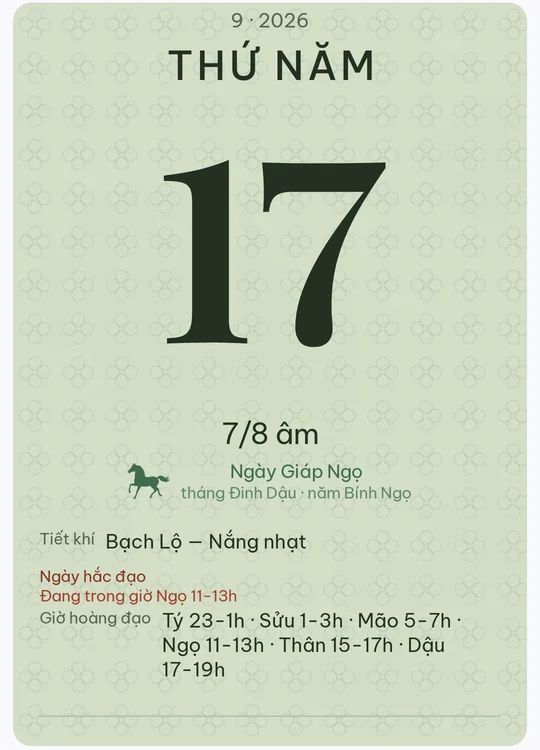
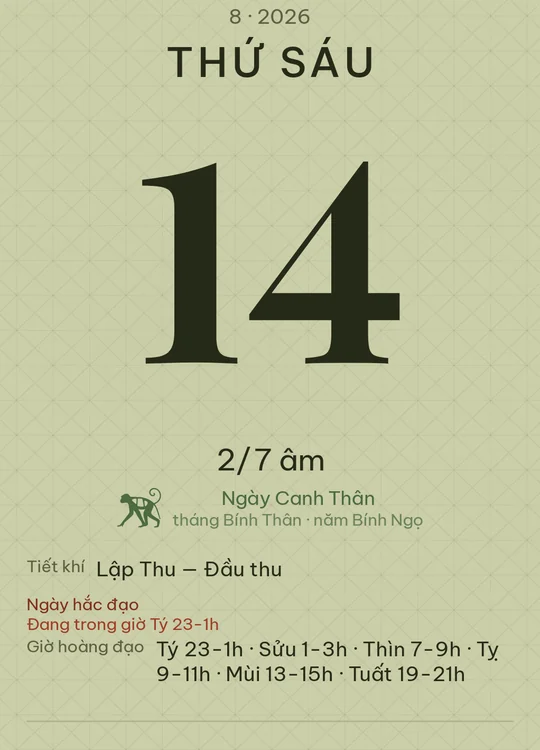
Calendar sheet in the Lotus leaf theme

Lotus leaf

The pale green of a lotus leaf, deep green ink.

Download · 1 KB Open in app
Calendar sheet in the Sea sand theme

Sea sand

Damp coastal sand, grey-brown ink. A light ripple across the ground.

Download · 1 KB Open in app
Calendar sheet in the Limestone theme

Limestone

The grey of karst limestone, charcoal ink. A stippled, stone-like surface.

Download · 1 KB Open in app

Dark

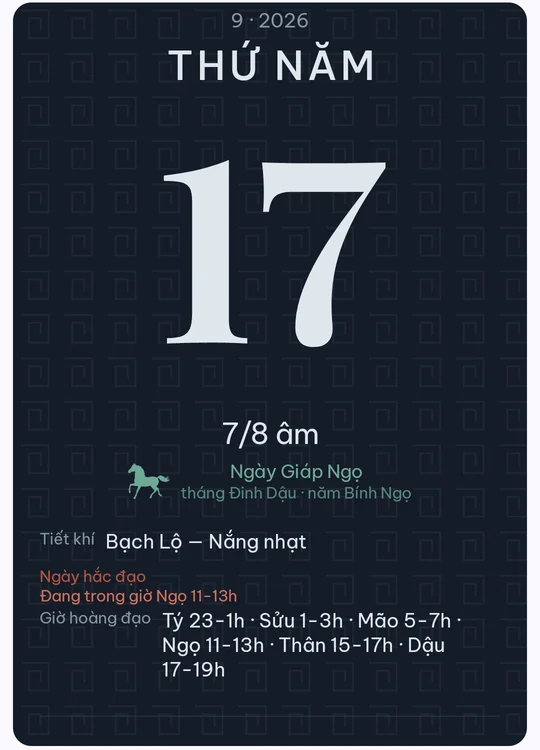
Calendar sheet in the Indigo theme

Indigo

Indigo-dyed cloth with ivory ink. Woven texture sunk into the ground.

Download · 1 KB Open in app
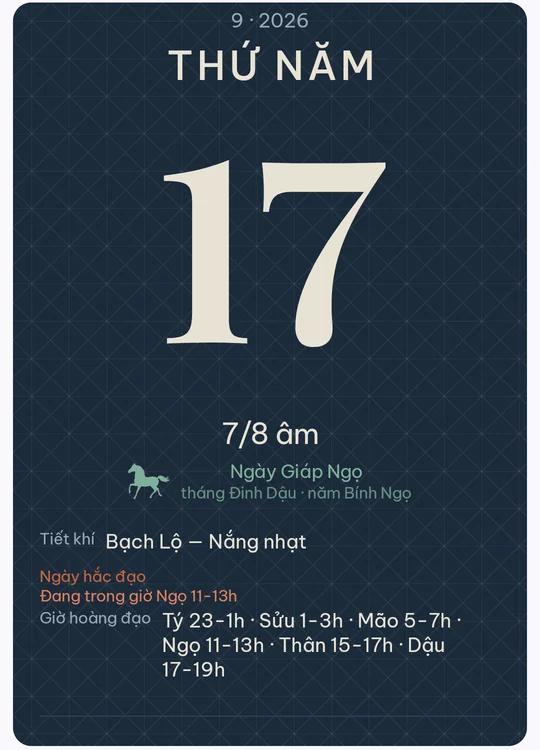
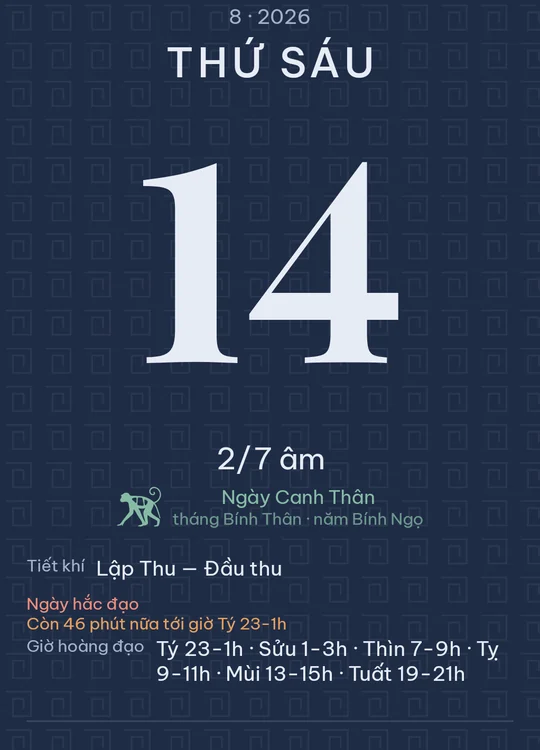
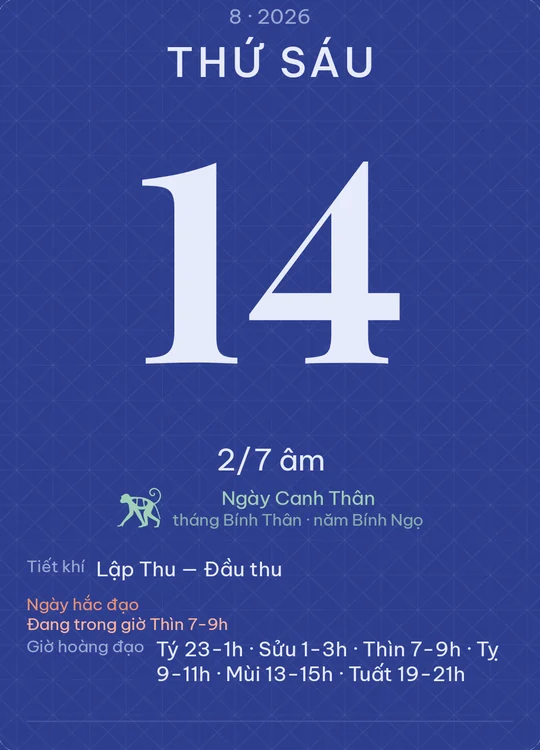
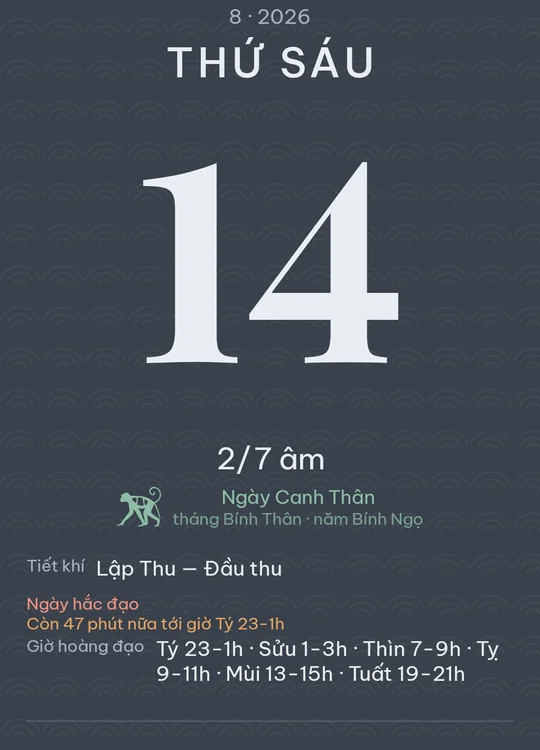
Calendar sheet in the Deep blue theme

Deep blue

Ink mixed with indigo on dark paper, ivory letters. For night use.

Download · 1 KB Open in app
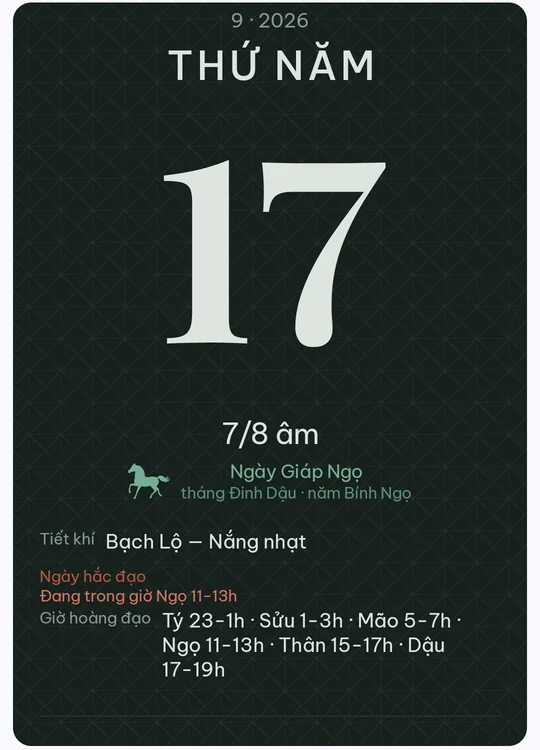
Calendar sheet in the Bamboo charcoal theme

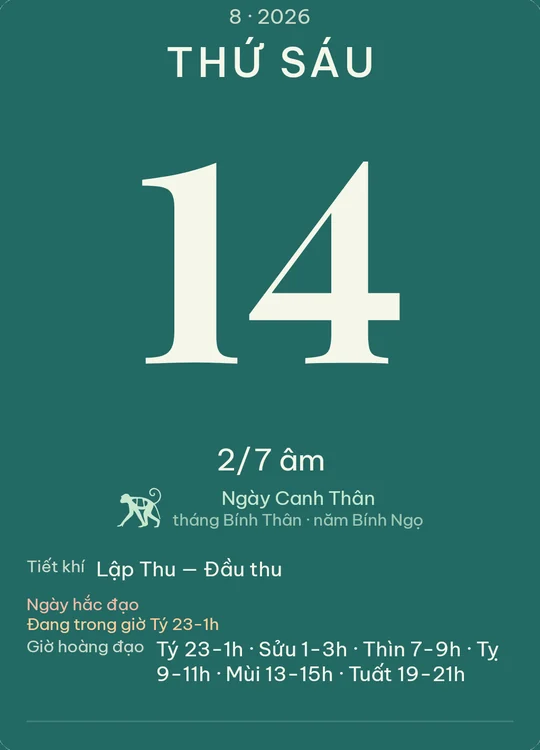
Bamboo charcoal

The green-black of bamboo charcoal, grey-white letters.

Download · 1 KB Open in app
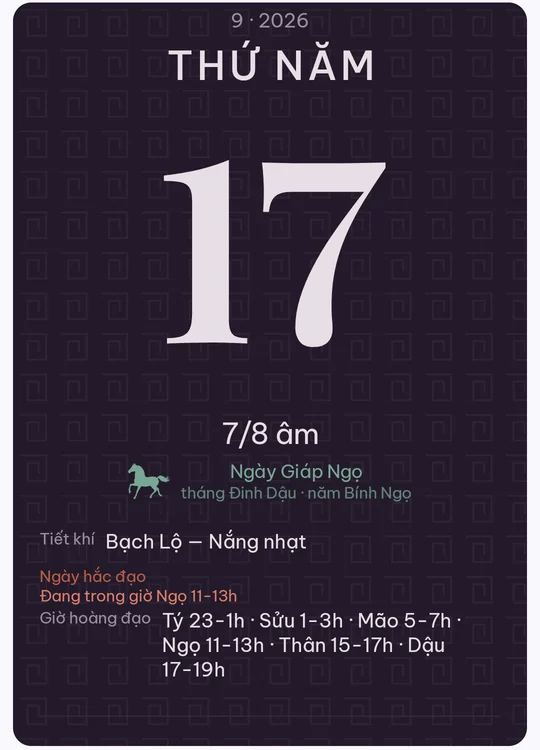
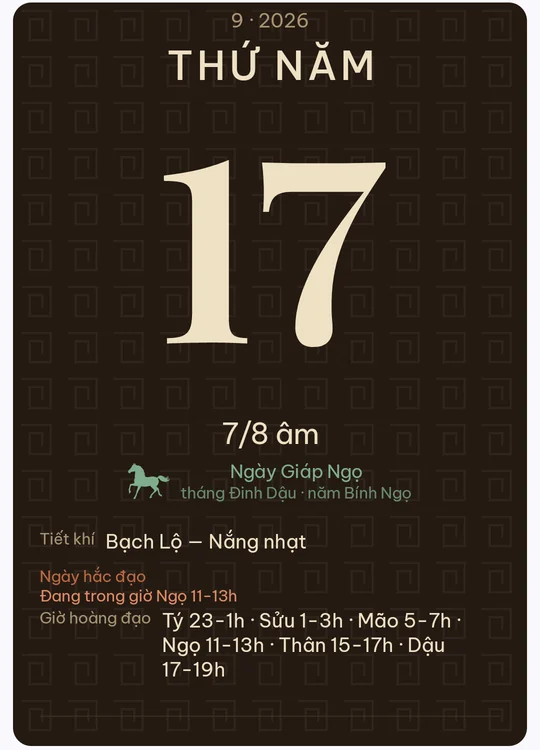
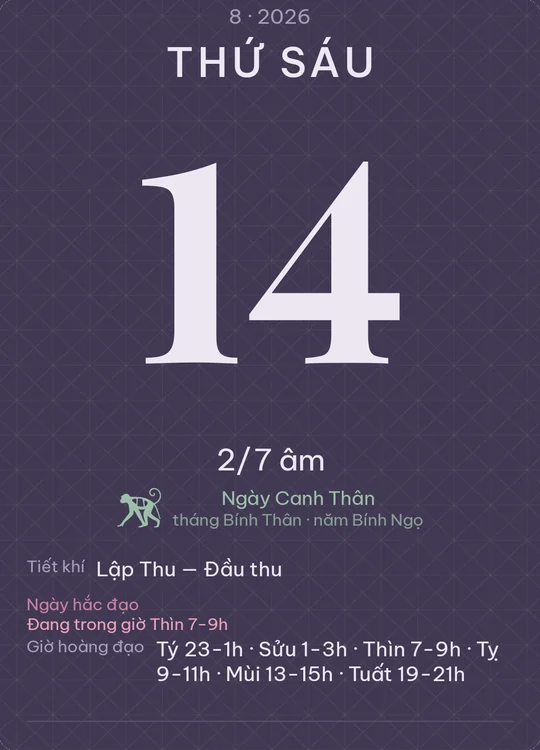
Calendar sheet in the Aubergine theme

Aubergine

Deep aubergine, blush-ivory letters. A meander sunk into the ground.

Download · 1 KB Open in app

Festive

Calendar sheet in the Roof tile theme

Roof tile

The muted brick red of a communal-house roof, smoke-grey ink.

Download · 1 KB Open in app
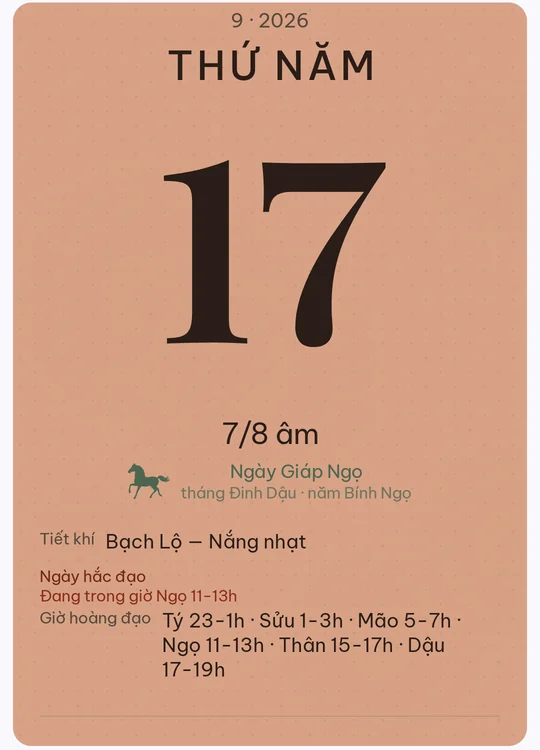
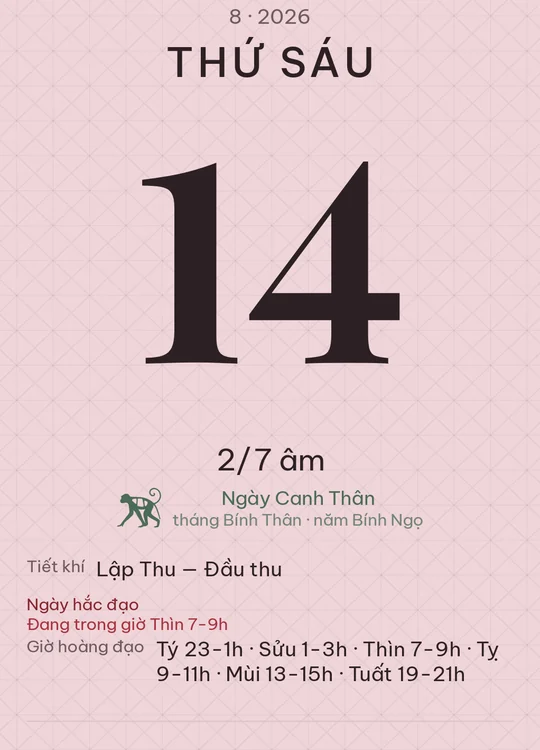
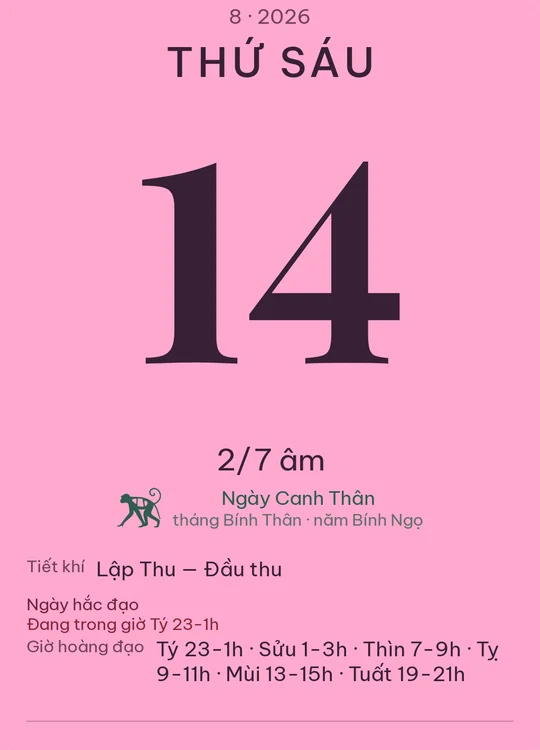
Calendar sheet in the Peach blossom theme

Peach blossom

The powder pink of northern peach blossom, red-brown ink.

Download · 1 KB Open in app
Calendar sheet in the Black lacquer theme

Black lacquer

Brown-black lacquer with gilt letters. Lacquerware for feast days.

Download · 1 KB Open in app
Calendar sheet in the Kumquat theme

Kumquat

The orange-gold of Tết kumquats, dark brown ink. Warm and bright.

Download · 1 KB Open in app

Old town

Calendar sheet in the Whitewash theme

Whitewash

The flaking whitewash of an old street wall, grey ink.

Download · 1 KB Open in app
Calendar sheet in the Wooden shutter theme

Wooden shutter

The brown of a Hội An shop shutter, black ink. Clear vertical grain.

Download · 1 KB Open in app
Calendar sheet in the Celadon glaze theme

Celadon glaze

Chu Đậu celadon glaze, the palest blue-green. Blue-green ink.

Download · 1 KB Open in app
Calendar sheet in the Fired brick theme

Fired brick

The red-brown of Bát Tràng brick, charcoal ink. A stippled face.

Download · 1 KB Open in app

iPhone shades

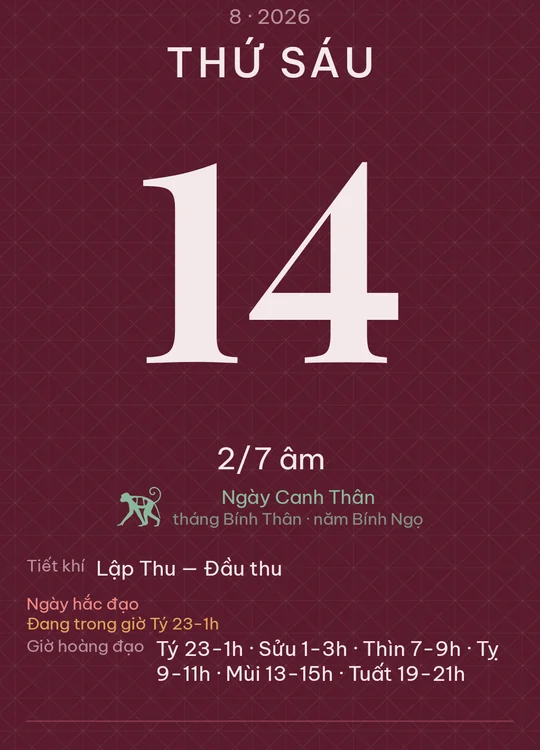
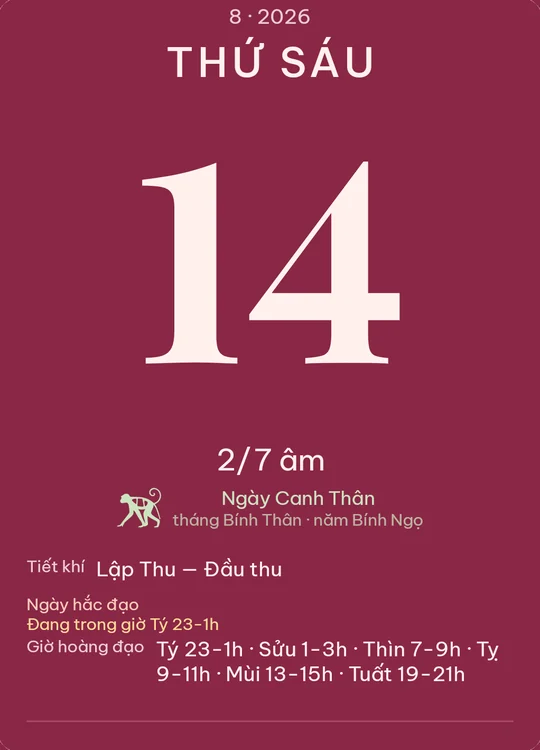
Calendar sheet in the Burgundy theme

Burgundy

Deep plum-leaning burgundy, rosy ivory letters, champagne accents on a velvet weave.

Already in the app
Calendar sheet in the Glacier theme

Glacier

Palest glacier blue with dark stone ink, after the Glacier finish.

Download · 1 KB Open in app
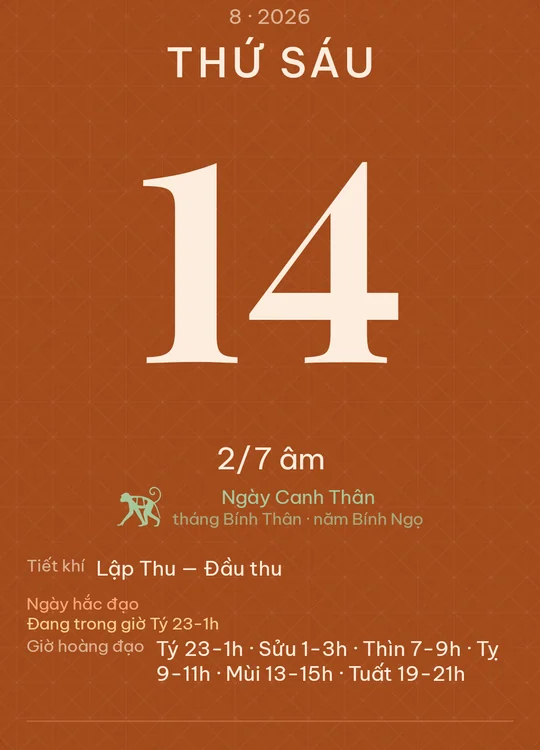
Calendar sheet in the Cosmic Orange theme

Cosmic Orange

Burnt copper orange under ivory letters, after the Cosmic Orange finish.

Download · 1 KB Open in app
Calendar sheet in the Deep Blue theme

Deep Blue

Deep navy with amber accents, after the Deep Blue finish.

Download · 1 KB Open in app

Pixel shades

Calendar sheet in the Canyon theme

Canyon

Canyon earth brown under rosewood ink, after the Canyon finish.

Download · 1 KB Open in app
Calendar sheet in the Olive theme

Olive

Pale olive ground with deep forest ink, after the Olive finish.

Download · 1 KB Open in app
Calendar sheet in the Fog theme

Fog

Foggy blue-grey with graphite ink, after the Fog finish.

Download · 1 KB Open in app
Calendar sheet in the Moonstone theme

Moonstone

Slate blue-grey moonstone under bright letters, after the Moonstone finish.

Download · 1 KB Open in app
Calendar sheet in the Lemongrass theme

Lemongrass

Lemongrass yellow with dark leaf ink, after the Lemongrass finish.

Download · 1 KB Open in app

Galaxy shades

Calendar sheet in the Cobalt Violet theme

Cobalt Violet

Pale cobalt violet with deep aubergine ink, after the Cobalt Violet finish.

Download · 1 KB Open in app
Calendar sheet in the Sky Blue theme

Sky Blue

Pale sky blue with midnight ink, after the Sky Blue finish.

Download · 1 KB Open in app
Calendar sheet in the Pink Gold theme

Pink Gold

Blush pink with a gold cast over warm brown ink, after the Pink Gold finish.

Download · 1 KB Open in app
Calendar sheet in the Titanium SilverBlue theme

Titanium SilverBlue

Titanium silver with a blue cast and steel ink, after the Titanium SilverBlue finish.

Download · 1 KB Open in app

iPhone, Pixel and Galaxy are trademarks of Apple, Google and Samsung. Lunaya is not affiliated with them. The palettes here are inspired by each line's published colour names — the hex values are our own reading of product photos, not figures released by the makers.

How to install

On a phone with Lunaya installed, Open in app does it all: the app asks for confirmation, fetches the file, and opens the gallery on the new theme. Nothing is applied until you tap Use this theme.

Or do it by hand:

  1. Tap Download on any theme above. The file is saved to your Downloads.
  2. In Lunaya, open Settings → Appearance → Import theme from file.
  3. Pick the .lunayatheme file you just saved.
  4. The gallery opens on the theme you installed. Tap Use this theme.

Installed themes sit next to the built-in ones and can be removed at any time. Nothing is sent anywhere — importing reads the file on your device.

Making your own

A theme is a small JSON file: a palette, a paper texture, corner radii, and optionally a different arrangement of the blocks on the day sheet. Each download above has its source JSON beside it — take one, change the colours, and import it the same way. The full guide lists every colour token, every limit, and every error code, read straight from the app's own spec.